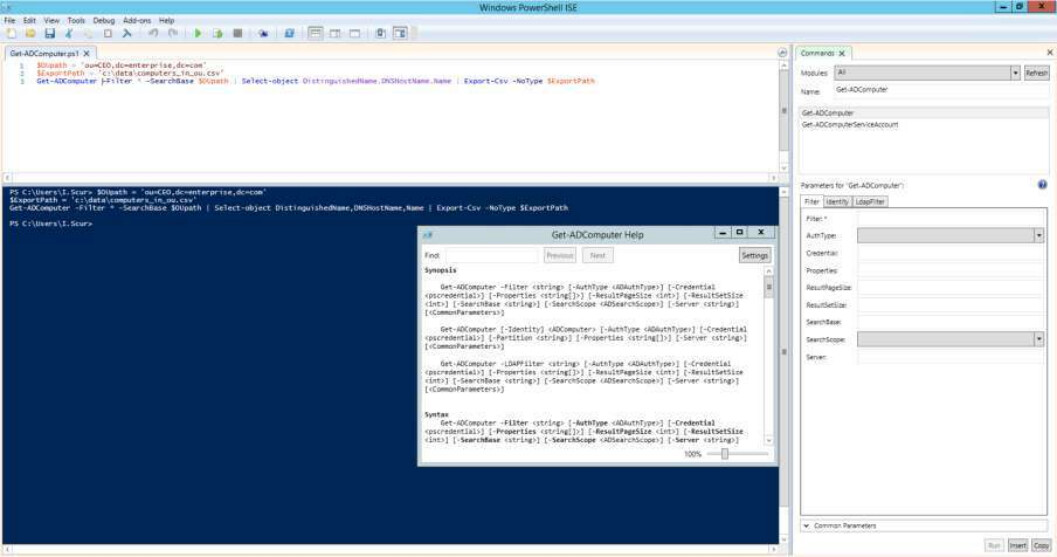
PowerShell offers both a command-line option and an integrated scripting environment (ISE):
PowerShell Command Line
To launch the PowerShell command line, type powershell.exe in the Windows Start menu. You’ll see a screen like the following:

PowerShell ISE (Integrated Scripting Environment)
To launch the PowerShell ISE, type powershell_ise.exe in the Start menu. Using the PowerShell ISE is the preferred way to work with the scripting language because it provides:
- Syntax highlighting
- Auto-filling of commands
- Other automation features that simplify script development and testing