-
What version are you using? (OS, client, server, etc.)
EPP client version: 2605.1.2.0
EPP server version: 2604.0.1.0
OS: Windows 11 25H2 -
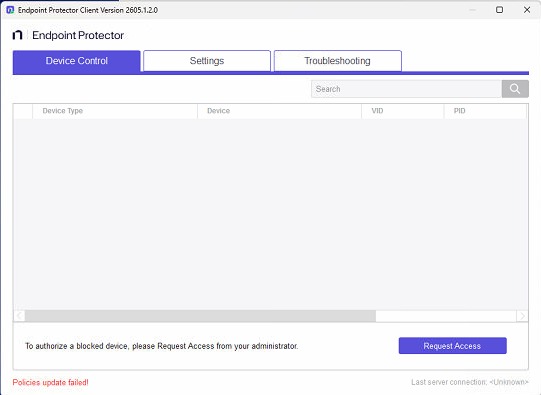
Policy Update unsuccessful.
Agent is seen connected in the EPP Server console.
Agent installed in the client successfully - during installation we set the server IP and port.
But post installation - when we try to update the policy - on the client it shows as unsuccessful.
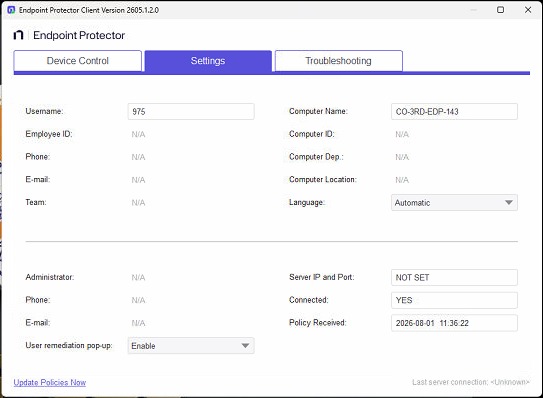
When we check using “ctrl alt I” we see the agent as connected but besides Server IP & port it shows as “Not Set”
We have tried reinstalling the agent and same scenario occurs.