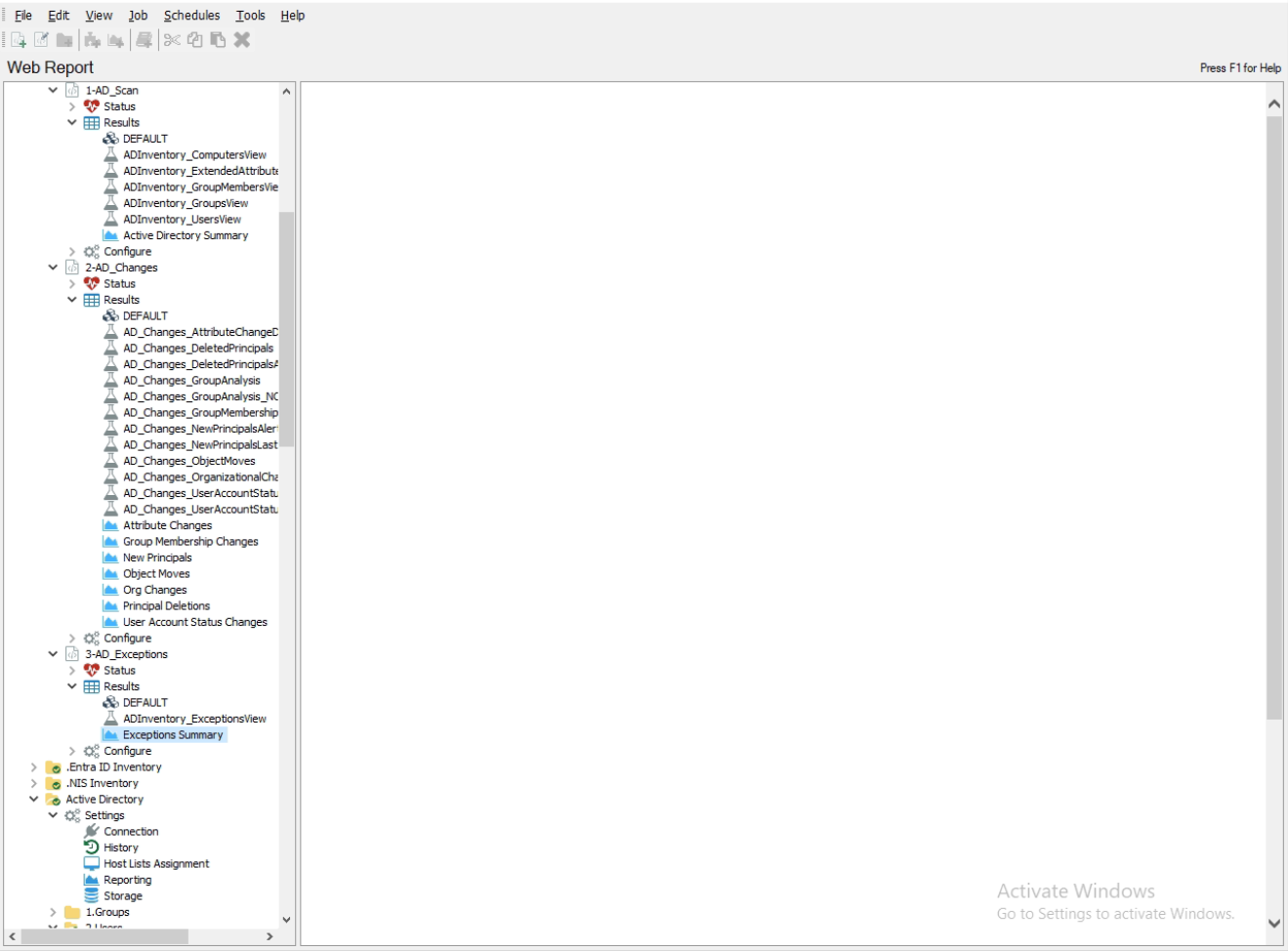
After running the job, all the reports in NAA appear blank — there’s no text or error message — but the job results do contain data.

Hi, Cooper - you’ll receive the fastest resolution by opening up a Support ticket for this. (Have you tried manually right clicking on the report and generating it? Please indicate this in the ticket.) Thank you!
Hi Cooper. That certainly sounds like an oddity. It would be good to confirm if you are not able to see them on the Published Reports web app as well. This would help determine if there is some kind of issue viewing the reports within the console locally on the application server or an issue with the generation of the reports themselves. You can find the URL to that site in the NAA console settings under Reporting:

If you are able to view the reports there, then perhaps closing your NAA console and relaunching it might clear some viewing issues. If issues persist then opening a support case as Ben suggested is a great idea for next steps.
We’ve been seeing this at a few customers recently. I haven’t been able to dive into it deeper but same scenario, reports do not render within NAA console in the right-hand pane, but they work no issue within Published Reports web UI.
Looks like this is resolved in the latest versions of NAA 11.6.0.178 and 12.0.0.1202 released on 11/18/2025. We will be working with our customers that are affected by this and get them upgraded.