What is a one sentence summary of your feature request?
Allow administrators to configure data transfer direction (outgoing, incoming, or both) when applying the “Block access to all storage devices” CAP policy.
Please describe your idea in detail. What is your problem, why do you feel this idea is the best solution, etc.
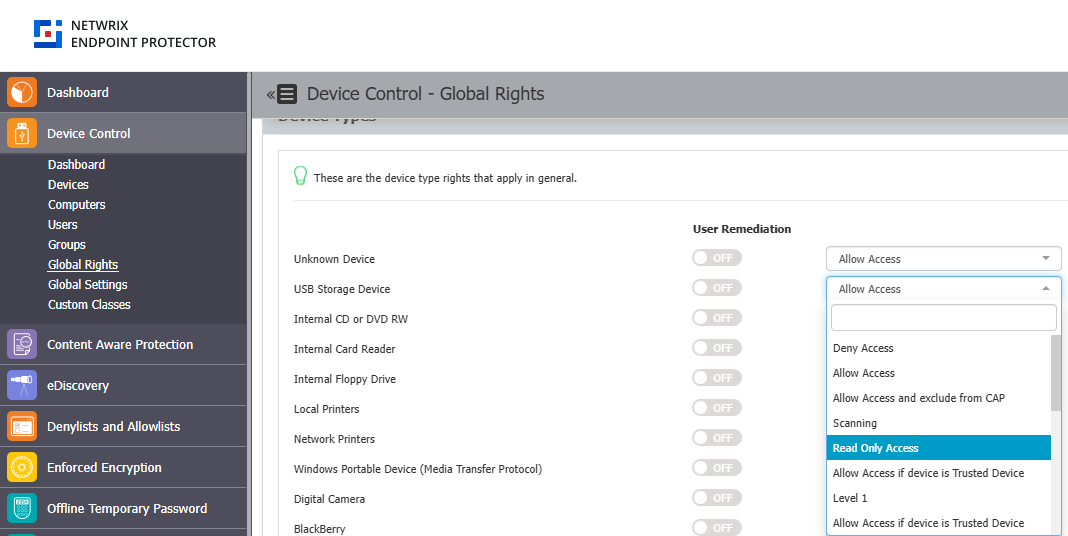
Currently, when the “Block access to all storage devices” option is enabled in the CAP policy, data transfer is blocked in both directions — from Local → USB and from USB → Local.
However, in most DLP use cases, the primary goal is to prevent data exfiltration (outgoing transfers from the local system to external media), not data import.
It would be very useful to have a configuration option that allows administrators to define the transfer direction (e.g., outgoing only, incoming only, or both directions). This would provide more granular control over device usage and align better with standard DLP deployment practices.
Adding this feature would also make CAP policies more flexible and adaptable to different organizational security models.
How do you currently solve the challenges you have by not having this feature?
Currently, there is no direct way to allow one-way transfers. We must choose between fully blocking or fully allowing storage devices, which limits our ability to tailor policies to specific business needs. Adjusting the File Tracing Direction in Global Settings does not affect this behavior, so a more precise policy-level control is required.