
This announcement highlights the updates and fixes delivered in Netwrix Privilege Secure version 26.07.1.
Want the full details? Click the link below!
Netwrix Privilege Secure Q2 2026 Release (26.07.1) is Now Live!
What’s New
Localization
French, Italian, German, Spanish, Korean, Chinese (Traditional) options added.

ServiceNow Integration
Connect sessions to ServiceNow for Incident Reports and Change Management. Validate the tickets, auto-updates when sessions are started and ended. Manual notes in NPS added to SN ticket.

.NET 10
Moved from .NET 8 to .NET 10
C++ 14.5
Moved from 14.24 to 14.5
AD differential sync
When doing an AD sync, instead of a full sync, we take advantage of AD’s built-in differential tracking. For large AD instances, this is a large performance boost.
Bug Fixes
| ID | Description |
|---|---|
| 424937 | Can’t find policy which matches: account, resource and activity |
| 438600 | Resourceless activity shows 30 minute expiry regardless of actual setting |
| 392759 | Provisioning Entra Accounts Error |
| 402118 | Old resources still show up in NPS with every AD sync |
| 402925 | Passwords not rotating on activity start |
| 403103 | Poor performance when filtering resources |
| 420815 | Users not getting removed from groups |
| 424095 | Slow Server List Loading and Session Creation |
| 432040 | SQL Server performance poor |
| 433524 | Privileged Accounts not able to RDP into machines |
| 434817 | Password not Rotating for multiple users Credential Checkout |
| 434828 | New Activities Not Showing in “My Activities” |
| 435018 | NPS unable to provision Linux sessions |
| 426953 | Account created in all caps will not allow access to Linux resource |
| 426531 | Linux sudo elevation failing |
| 436769 | Cannot View Historical Dashboard |
| 437957 | Cisco Activity Token Provisioning Regression |
| 440585 | EntraID - Request_ResourceNotFound |
| 437354 | Ephemeral accounts not deleted with AD sync |
| 442697 | Events page only shows 30 records with no pagination |
| 426104 | SSH failures caused by missing ticket number prompts |
| 435175 | Groups don’t show up in Users and Groups |
| 439532 | Linux session won’t provision for the accounts that has uppercase letters |
| 440181 | Login not possible after updating |
| 437949 | Multiple password changes simulatenously for user, wrong password being returned |
| 438776 | No connection to Linux systems |
| 405323 | Not able to scan Windows host using IP address |
| 436011 | Password is "empty when copied or Error 404 when clicked on view password |
| 445877 | PlatformId Null without scan |
| 443492 | Schedule task getting queued and not finishing |
| 440664 | Unable to recreate service account after it is deleted |
| 447423 | SRA portal fail |
| 447467 | Unable to provision Cisco devices that support both secret and password for users |
| 447582 | Host collision insert error |
Known Issues
| Description |
|---|
| EntraID password rotation. Microsoft tightened permissions and requires additional roles. See the setup instructions for details. |
| EntraID 404 issue - First off, ensure that the Entra service account has the proper permissions (see link above) Second, most EntraID issues were resolved in 26.03.2. However, a customer with a version of NPS prior to 26.03.2 may have an EntraID account that still won’t work. It must be deleted and then re-scanned into NPS to work. Since the NPS soft-deletes accounts, it may have to be removed from the database. Support may be required to do this. |
| P12 to PG 16 upgrade sometimes requires a manual step for schema update using the DBUpater tool. |
| Weak SSH algorithms. The SSH algorithms NPS uses may be modified to comply with customer security requirements (usually removing “weak” algorithms). Be sure both files are present and modified. See the configuration guide. |
| Microsoft KB5082142 includes deprecating the RC4 algorithm for Kerberos tickets. Domain controllers with the patch stop issuing RC4 tickets. Microsoft tried to make this seamless, but there could always be accounts that don’t get updated or can’t accept RC4. See this article for details on the change, or this one if you’re troubleshooting authentication failures. |
| AD Sync scheduling offset one hour. This bug was fixed, but if upgrading from a release where the AD sync was one hour behind when it is scheduled, then it has to be reset. Set the schedule to none, save, then set to the proper time and save again. |
| PlatformID issue. When upgrading from previous version to 25.12.0 and up to this release, resources needed to be re-scanned to bring in a new platformID. This caused issues for customers that didn’t know to rescan and in some cases even caused issues for customers that did know. In this release, we put in a fix so that the resources rescan automatically and fixes the platformID issue. However, in a very specific case, upgrading from 25.12.1 and NPS is in a cluster environment, then a rescan is still required. We don’t see this issue for stand-alone server installations or other upgrades. |
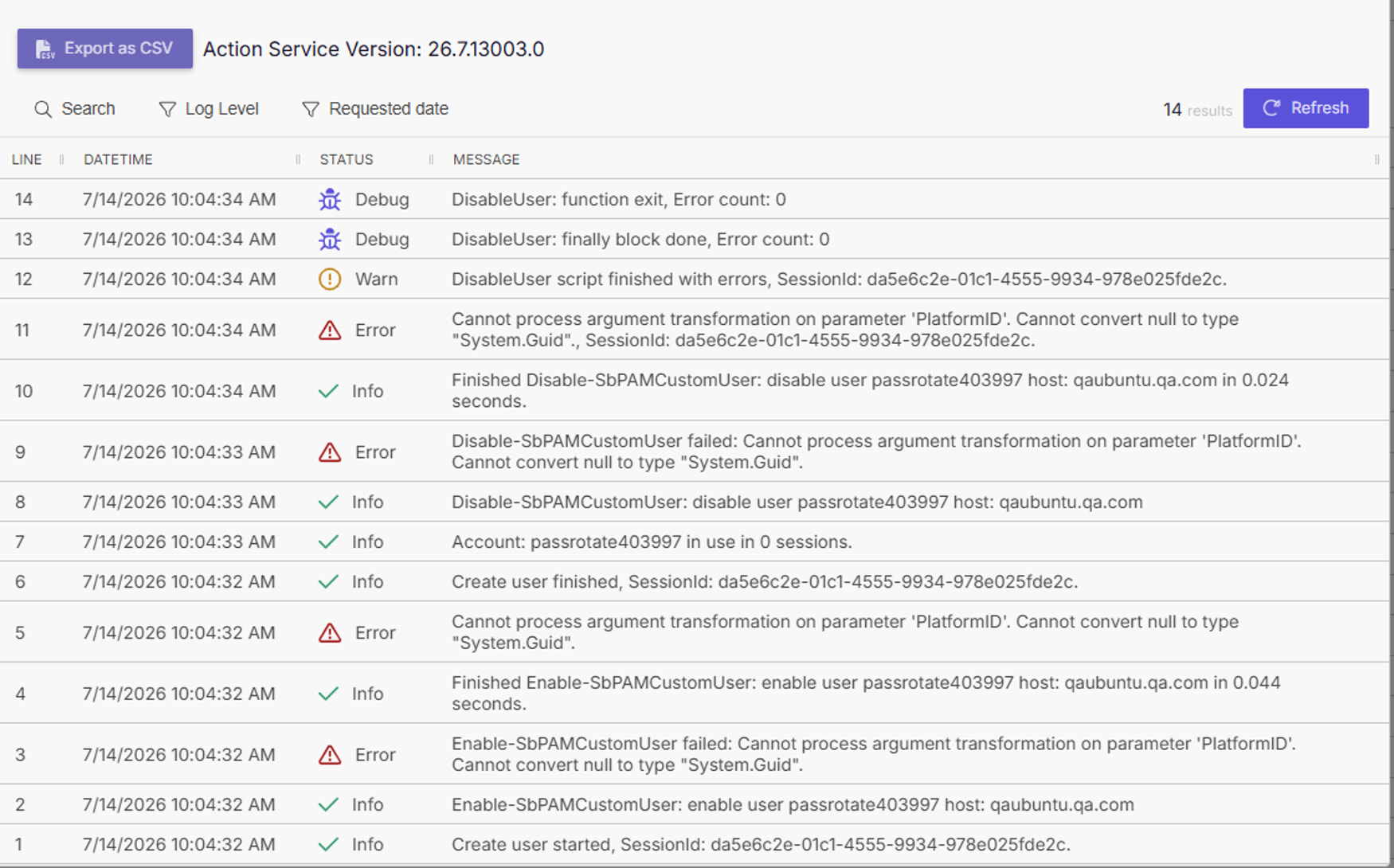
Null DNS or duplicate Resources:
Before upgrading to this release, check the resources list. If there are any resources with DNS, then they should be removed before upgrading. Once upgraded, re-onboard and scan them.

If they are not deleted, then after the upgrade, then those resources will show up as duplicates with the same IP address. If this happens both entries need to be deleted and the resource re-onboarded and scanned.

Need help with this update?
There are many different ways to get help with our products!
| Situation | Action |
|---|---|
| If you feel the product is broken and not working as intended… | Contact Support |
| If you have a question you’d like to ask other experts… | Create a discussion in the community: Privilege Secure > Discussions & Questions |
| If you have a feature request… | Let our product team know directly: Privilege Secure > Ideas |
| If you have something cool to show… | Show everyone what you built: Privilege Secure > Show & Tell |
What are your thoughts?
We are always happy to hear from our users on what you like, and what you hope to see in the future. Please, share your thoughts below!